
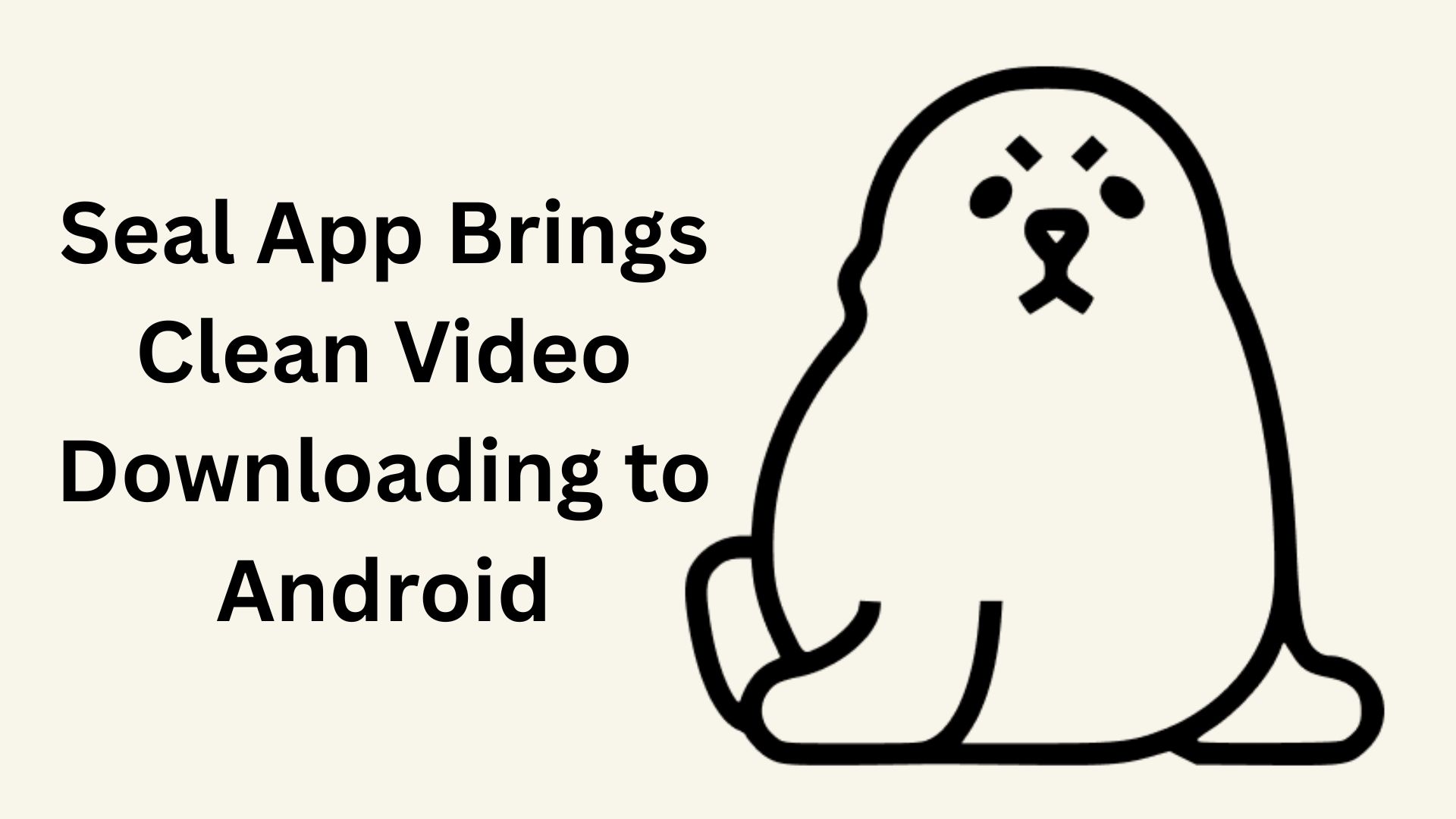
Finding a reliable way to save videos or audio for offline use on Android can be surprisingly difficult. A lot of the tools people come across feel cluttered with ads or come with questionable tracking that makes you hesitate before tapping anything. Seal takes a different approach. It is a free, open source app designed to offer a clean, trustworthy experience for downloading media. Created by JunkFood02 and available on GitHub, Seal essentially works as a graphical front end for yt-dlp, the popular command line downloader. It keeps things focused on privacy and performance while incorporating Google’s Material Design 3 so the interface looks modern and blends naturally with your device’s theme.
Key Takeaways
- Broad Compatibility: This app can download both video and audio from the thousands of websites supported by the yt-dlp project.
- One Click Playlists: Instead of grabbing videos one by one, users can download entire playlists in a single tap.
- Modern Interface: Seal is written entirely in Kotlin and follows Material Design 3, which helps the interface stay fast and visually consistent.
- Advanced Customization: Power users can take advantage of custom yt-dlp commands and templates for precise control.
- Audio Features: The app can extract audio and automatically embed metadata and thumbnails.
Understanding the Core Technology
One of the reasons Seal performs so well is that it does not try to reinvent what yt-dlp already does. Instead, it acts as a bridge. yt-dlp is an established open source tool known for handling complicated download restrictions and supporting a wide range of formats. Seal simply makes this power accessible on a smartphone without requiring command line knowledge.
There is also built in support for aria2c, which is a lightweight multi-protocol download utility. It can split files, use multiple sources, and generally keep speeds stable. This becomes especially helpful when downloading larger videos where reliability matters more than anything else.
Design and User Experience
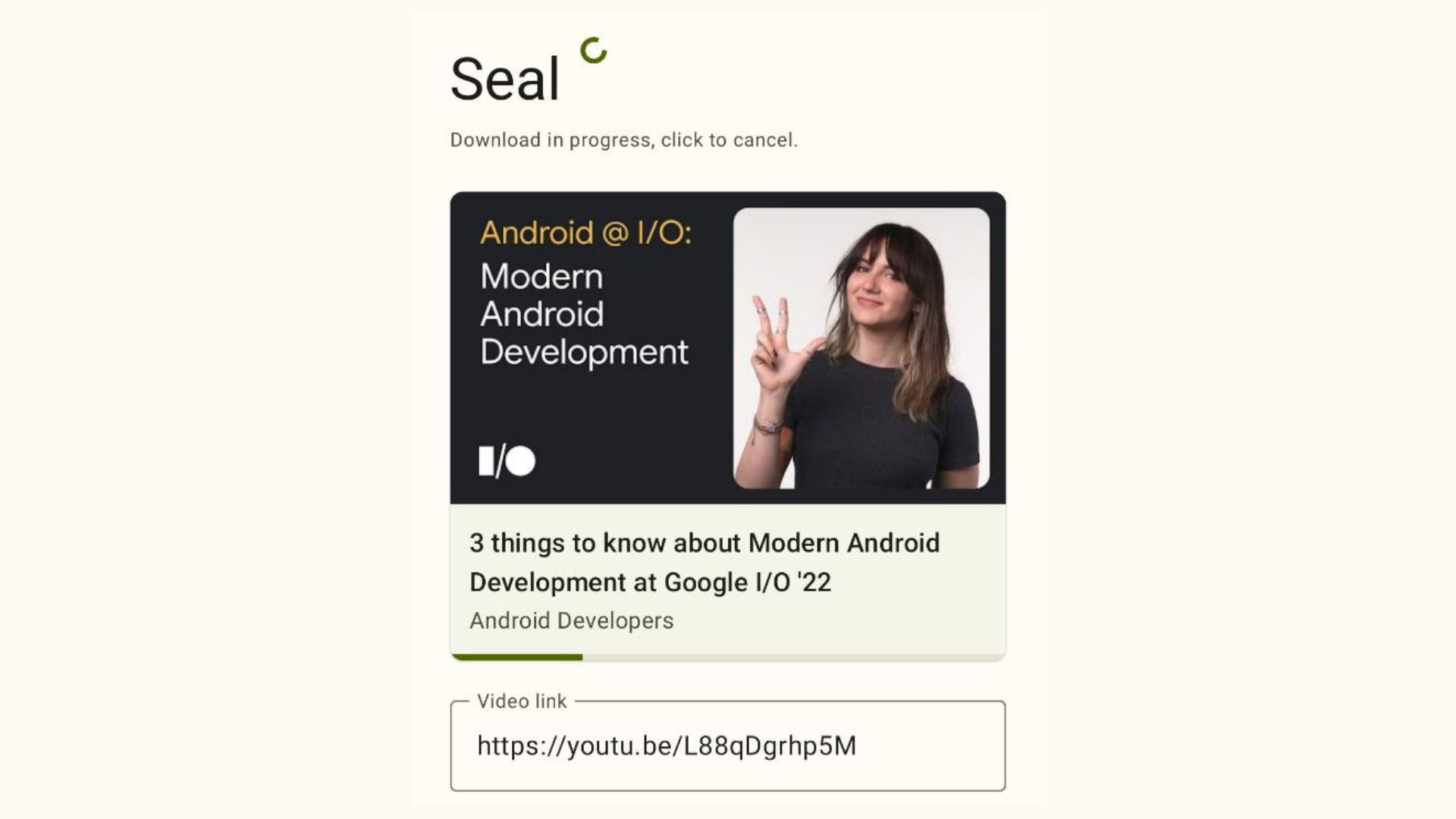
A lot of what makes Seal pleasant to use comes from its Modern Android Development choices. The developer wrote both the interface and the underlying logic in Kotlin, which is what Google recommends for Android apps. Instead of relying on a mix of multiple activities or fragments, the app uses a single activity with composable destinations. In my experience, apps built this way tend to feel more responsive, perhaps because there is less UI overhead.
Visually, the commitment to Material Design 3 helps Seal blend in with the rest of the system. Features like dynamic color theming let the app shift its appearance depending on your wallpaper or system settings. It is a small detail, but it makes Seal feel less like an add on and more like something that naturally belongs on the device.
Advanced Features for Power Users
Even though the app is friendly enough for beginners, there is quite a bit of depth for people who prefer fine tuning. You can run custom yt-dlp commands to define how files are saved, choose templates for naming, or adjust quality preferences. It is the kind of flexibility that makes the app useful in everyday scenarios while still supporting more demanding workflows.
Seal also handles media metadata intelligently. When extracting audio, the app uses mutagen to embed the video thumbnail and other metadata directly into the audio file. If you care about having a clean, organized music library with proper cover art, this is a noticeable benefit. On top of that, Seal supports embedding subtitles directly into downloaded videos, which is particularly helpful for offline viewing of foreign language content.
Availability and Installation
Because Seal supports downloading from platforms like YouTube, it cannot appear on the Google Play Store due to policy restrictions. Anyone who wants it needs to install the APK manually. The official GitHub releases page always includes the most up to date version, and for most recent Android phones, the arm64-v8a build is the one to use.
For users who prefer an added layer of transparency, Seal is also available on F-Droid. Since F-Droid reviews apps and builds them from source, it provides reassurance for those who want strictly open-source software with no hidden tracking or questionable code.
Frequently Asked Questions
Q1: Is the Seal video downloader free to use?
A1: Yes, Seal is completely free and open-source software with no in app purchases or advertisements.
Q2: Is it safe to install Seal on my phone?
A2: Seal is generally considered safe because its source code is public on GitHub for anyone to inspect. It does not track user activity. Always download it from the official GitHub repository or F-Droid to avoid fake versions.
Q3: Why is Seal not on the Google Play Store?
A3: Google restricts apps that allow users to download videos from YouTube. Since Seal supports YouTube downloads, it violates Play Store policies and must be installed via APK.
Q4: What is yt-dlp?
A4: yt-dlp is a command line program that Seal uses in the background to handle the actual downloading process from various websites.
Q5: Can Seal download entire playlists?
A5: Yes, Seal supports one click downloading for full playlists, saving users from having to download each video manually.