


I have spent the last two weeks using the new Lenovo Yoga Tab Plus as my primary entertainment and work device. The tablet market in India is usually a two-horse race between Apple and Samsung, but Lenovo often drops a device that offers immense value for money. When I looked at the spec sheet for this specific variant, I had to double-check the price. You are getting a Snapdragon 8 Gen 3 processor, a massive 12.7-inch 3K screen, and a full accessory kit for ₹54,999.
This tablet is not just about watching movies; it aims to replace your laptop for many tasks. I have pushed this machine to its limits, running heavy games, editing 4K videos, and typing out long documents to see if it holds up in the real world.
Key Takeaways
- Processor Power: The Snapdragon 8 Gen 3 chipset handles heavy gaming and multitasking without any lag.
- Visual Experience: The 12.7-inch 3K display with a 144Hz refresh rate is sharp, fluid, and bright enough for indoor use.
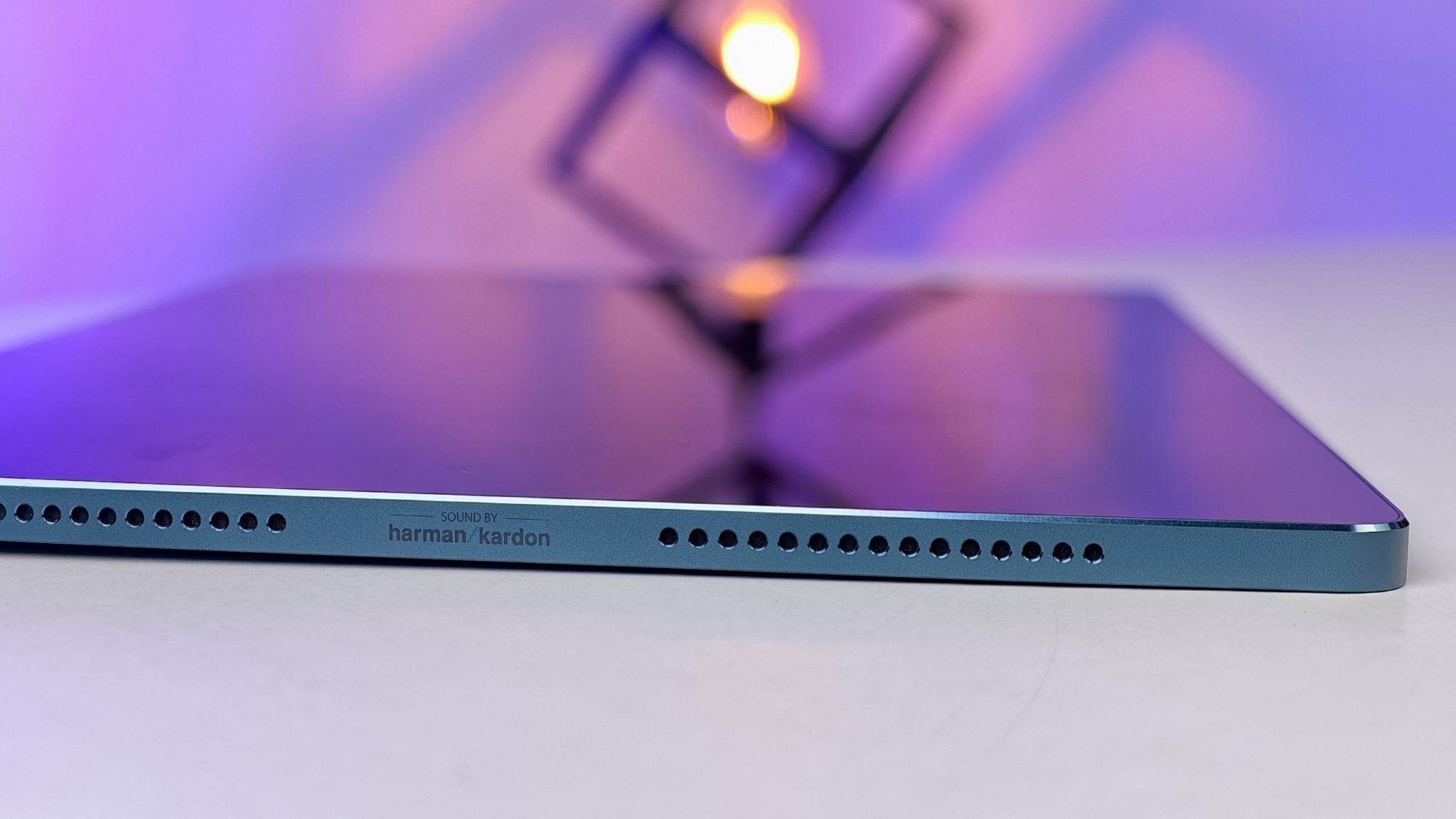
- Audio Quality: The sound system is the highlight, producing deep bass and clear vocals that eliminate the need for external speakers.
- Value Bundle: The inclusion of the Keyboard Pack and Tab Pen Pro in the box adds significant value compared to competitors, where these are sold separately.
- Battery Life: The 10200 mAh battery easily lasts a full day of mixed usage, though charging takes some time.
Unboxing and Accessories

Lenovo does something here that I wish Apple and Samsung would copy. In the box, you do not just get the tablet. You get the Lenovo 2-in-1 Keyboard Pack and the Lenovo Tab Pen Pro. Usually, buying these separately would cost you another ₹10,000 to ₹15,000.
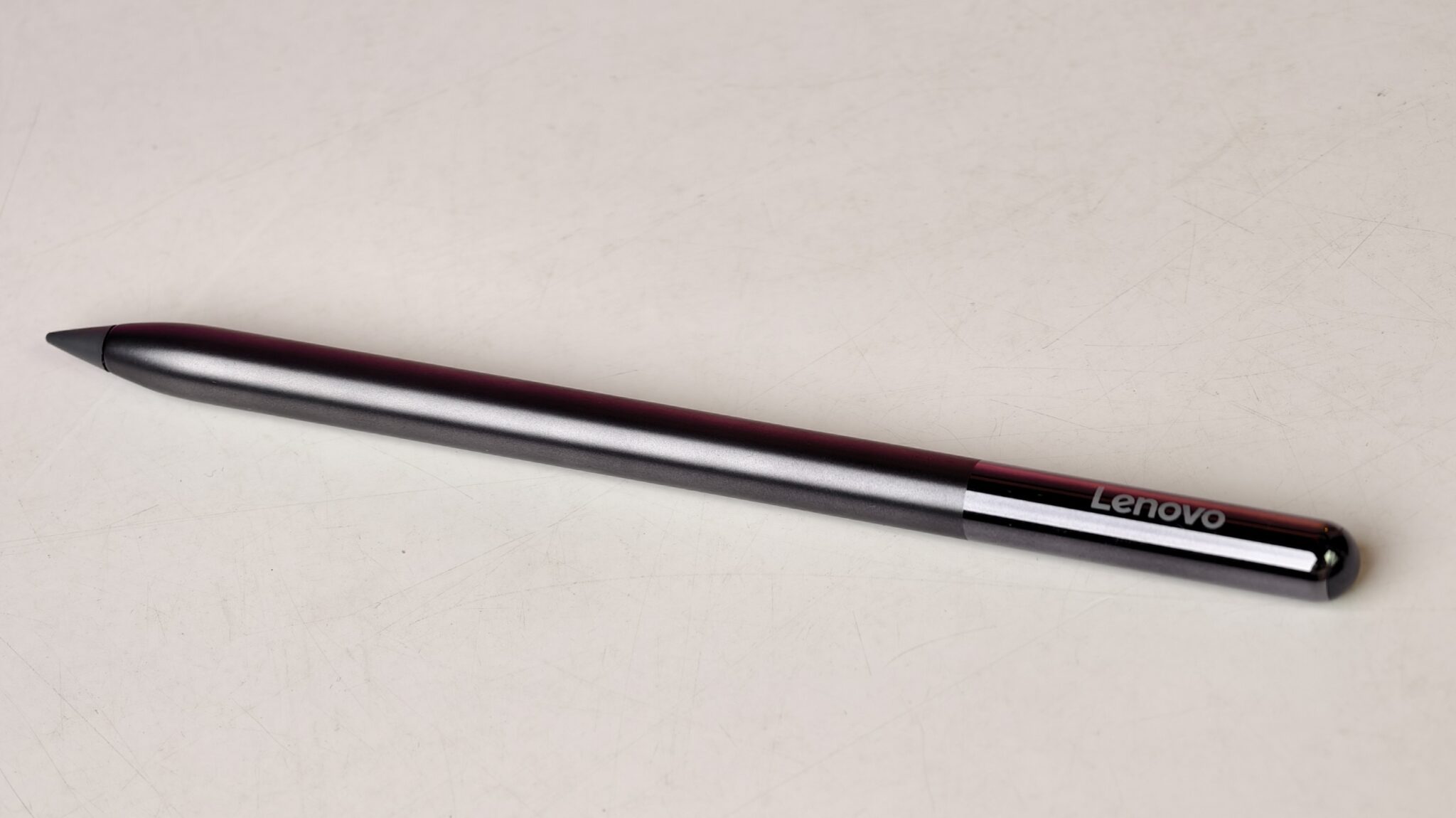
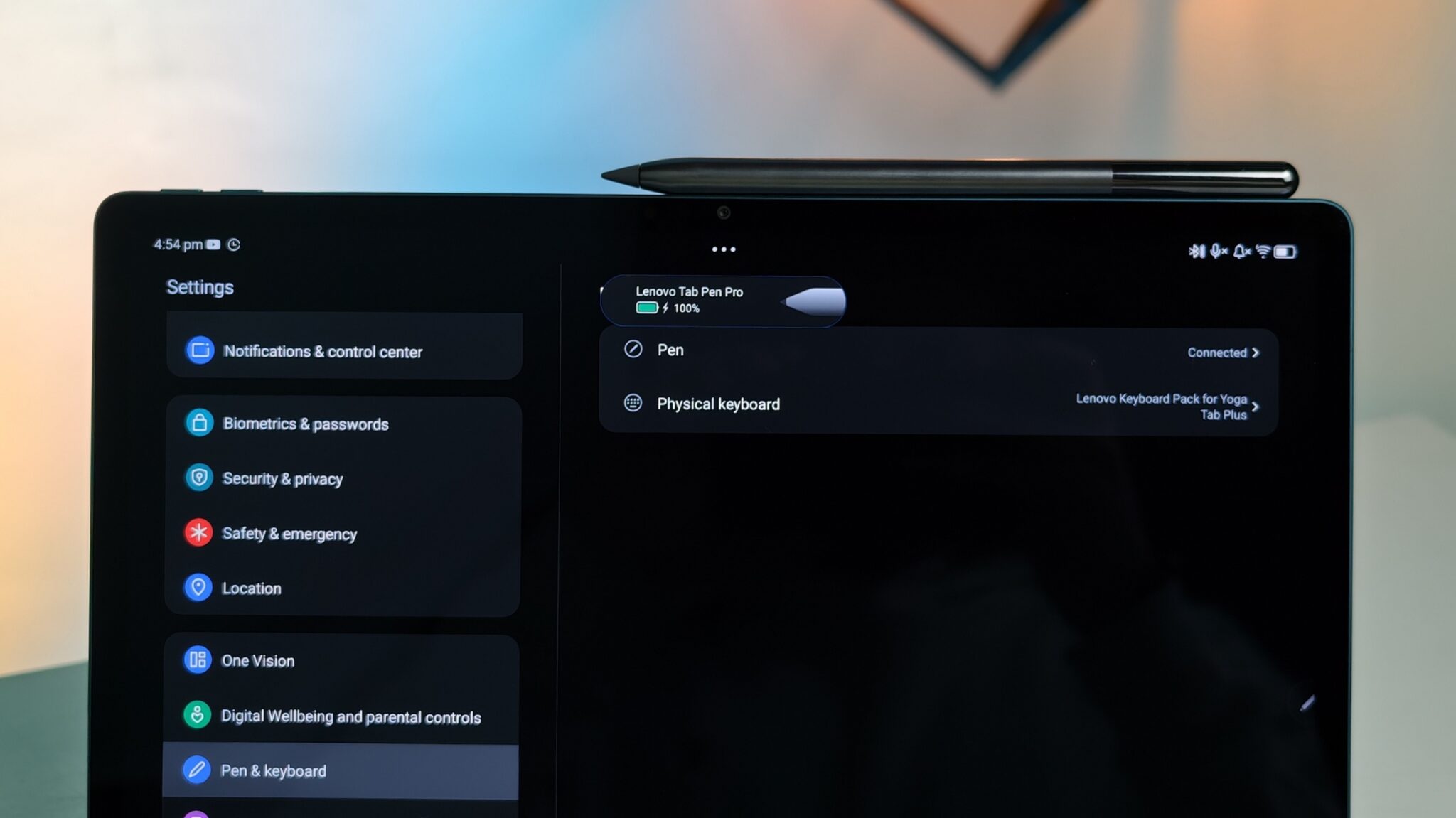
The keyboard attaches magnetically and connects via pogo pins, so you never have to charge it. The keys have decent travel, similar to a standard laptop. I wrote a large portion of this review using the keyboard, and it feels comfortable. The trackpad is small but responsive. The Pen Pro charges magnetically on the back of the tablet. It has low latency, making it great for taking notes or sketching diagrams.
Design and Build Quality
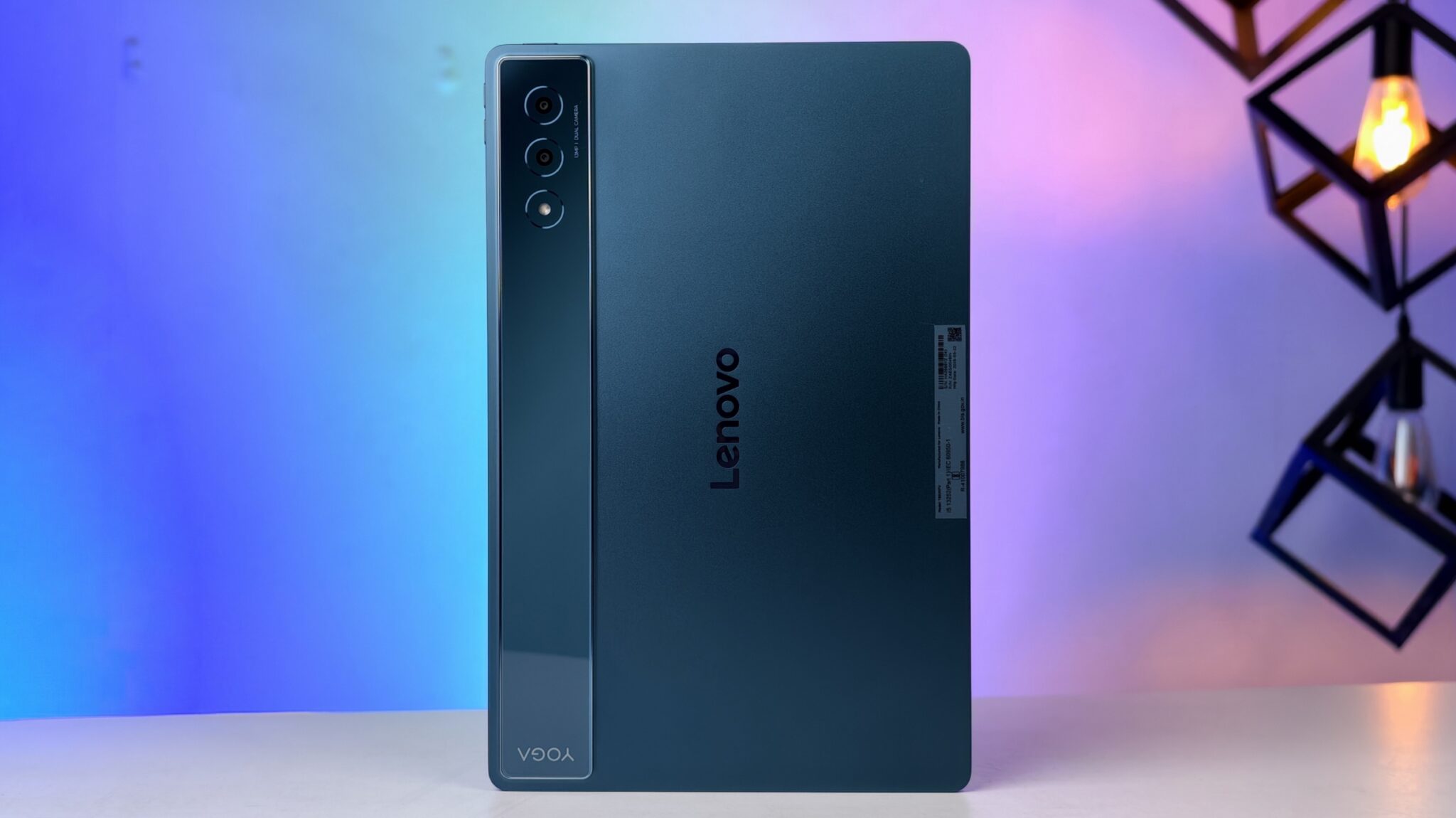
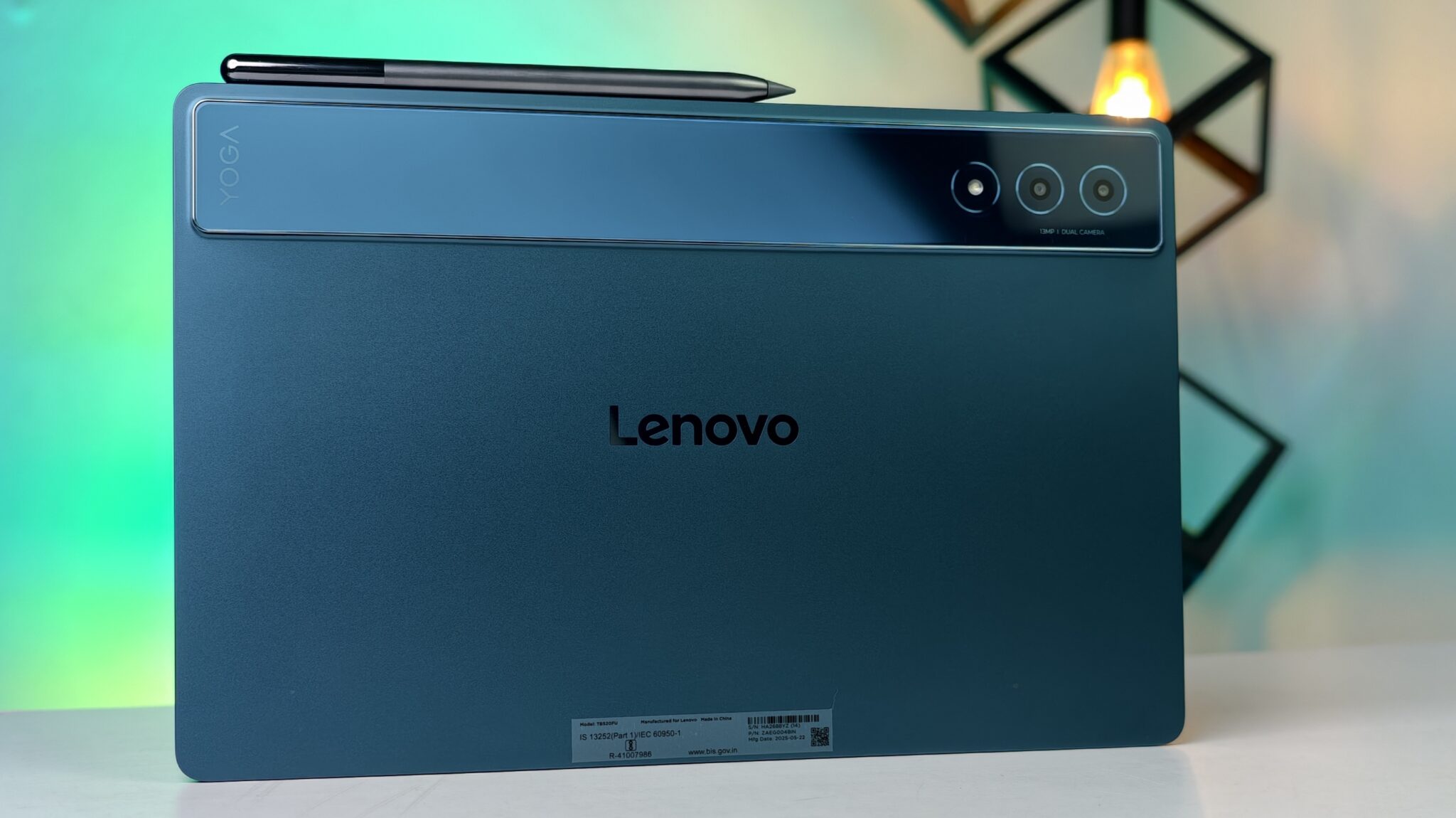
The first thing you notice when you pick up the Yoga Tab Plus is the weight. It feels substantial. The “Teal” colour looks sophisticated and stands out from the usual black and grey slabs we see. The back has a dual-tone finish that feels smooth to the touch and resists fingerprints well.
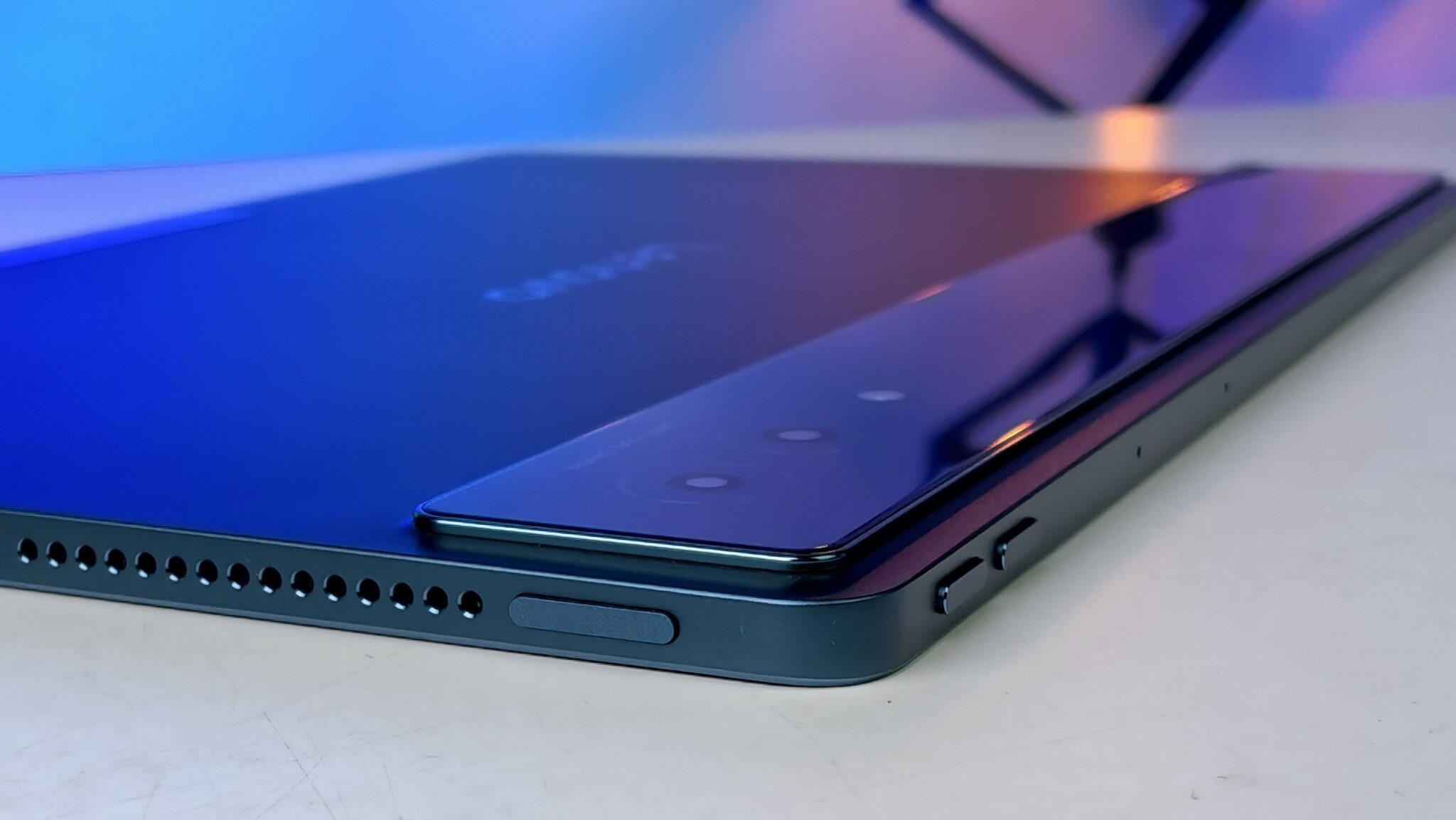
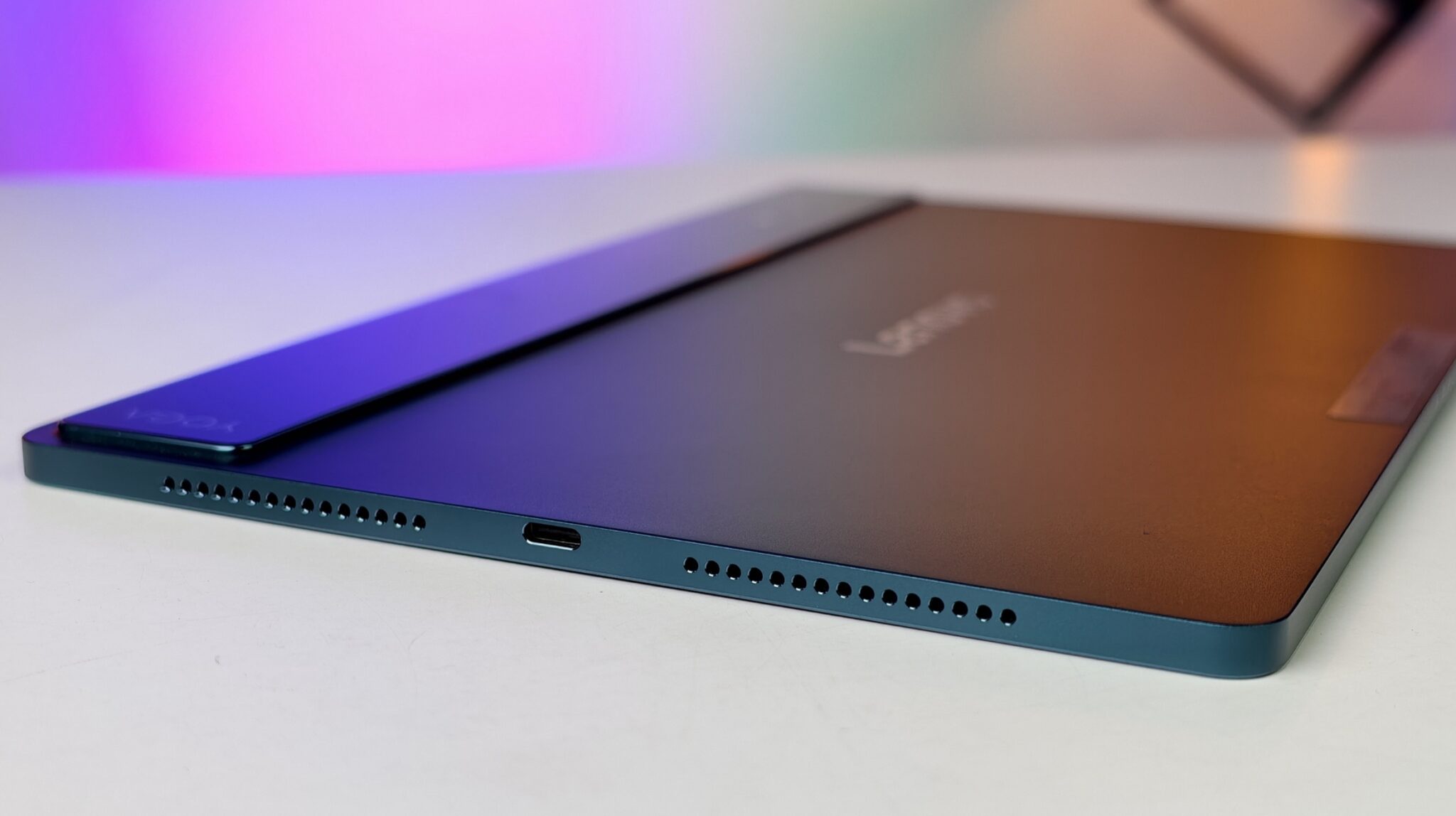
The defining feature of the Yoga series is the built-in kickstand. This is a stainless steel bracket that folds out from the bottom. It is incredibly stiff, which is a good thing. You can set the tablet at almost any angle. I found this useful when I was cooking and needed the screen upright for a recipe, or when I was drawing and needed a slight incline. You can even hang the tablet on a hook if you want to.
However, holding the tablet in one hand is difficult. The weight distribution is uneven due to the battery cylinder at the bottom (which also houses the kickstand). This design is great for a table but tiring for handheld reading in bed.
Display Experience
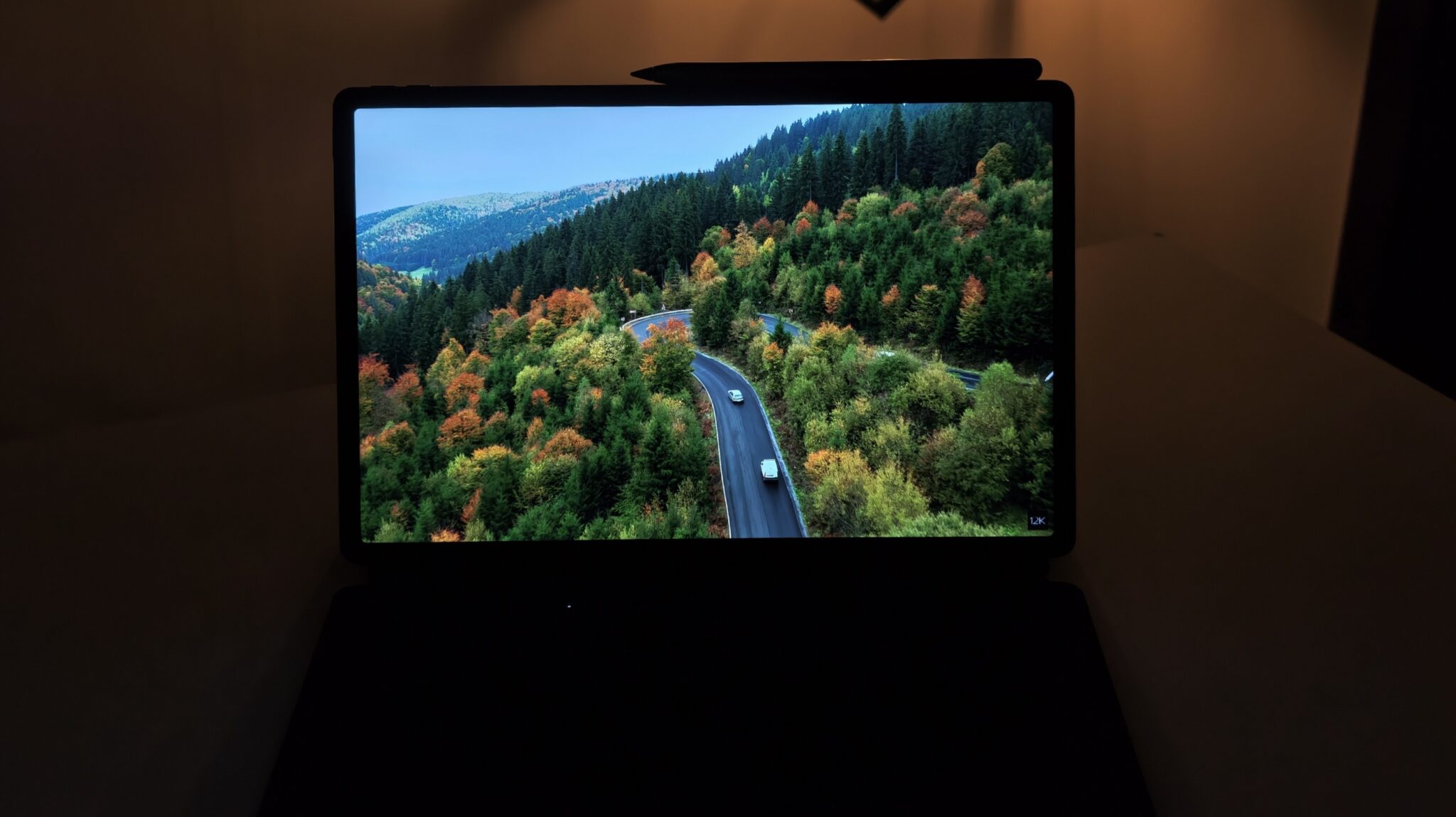

The screen is a 12.7-inch LCD panel with a 3K resolution. While it is not an OLED panel, the quality is high. Colors are punchy, and the blacks are deep enough for an LCD. The 144Hz refresh rate makes navigating the user interface feel very fluid. Scrolling through web pages or social media feeds is smooth.
I watched several episodes of a dark, gritty show on Netflix to test the contrast. The tablet supports HDR content, and the brightness levels are sufficient for viewing in a well-lit room. The large size makes split-screen multitasking practical. I could have a PDF open on one side and my notes on the other without having to squint.
Audio Performance

This is where the “Plus” in the name makes sense. The tablet houses a massive audio system. You get clear separation between high notes and bass.
I played a variety of music genres, from Bollywood bass-heavy tracks to acoustic instrumentals. The sound fills a medium-sized room easily. If you are a student living in a hostel or a PG, this tablet is basically a portable TV and speaker system in one. You will not need a Bluetooth speaker.
Performance and Gaming

The heart of this machine is the Snapdragon 8 Gen 3. This is a flagship-level chip found in phones that cost significantly more. Pairing this with 16GB of RAM means performance is not an issue.
I played Call of Duty: Mobile and BGMI at the highest possible graphics settings. The gameplay remained stable at high frame rates even after an hour of playing. The tablet gets slightly warm near the camera module, but it never becomes too hot to touch.

For productivity, I opened 20 tabs in the Chrome browser while running Spotify and a Word document in the background. The tablet did not slow down. The 16GB RAM keeps apps in memory for a long time, so you can switch back to an app you used hours ago without it reloading.
Software and AI Features

The tablet runs on Android with Lenovo’s ZUI skin on top. It is clean and does not have too much bloatware. The “Smartchoice AI” features are subtle but helpful. The tablet tries to predict which apps you will use and pre-loads them for faster opening.
There is a dedicated “PC Mode” that changes the interface to look like Windows, with a taskbar and floating windows. It is useful when you have the keyboard attached. However, Android apps are still not fully tuned for this desktop-style environment. Some apps do not resize correctly, and you might encounter bugs where windows overlap oddly.
Camera
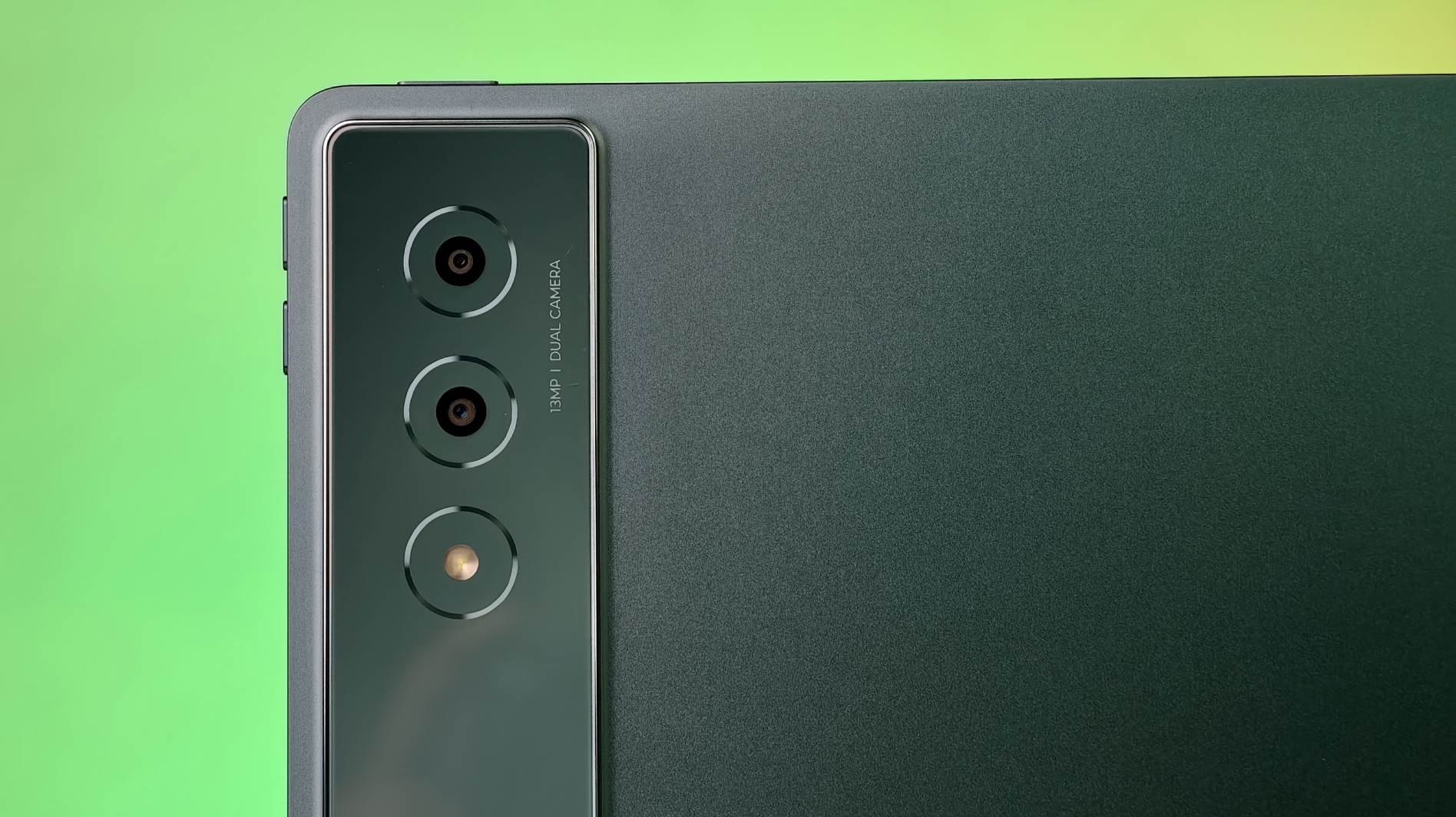
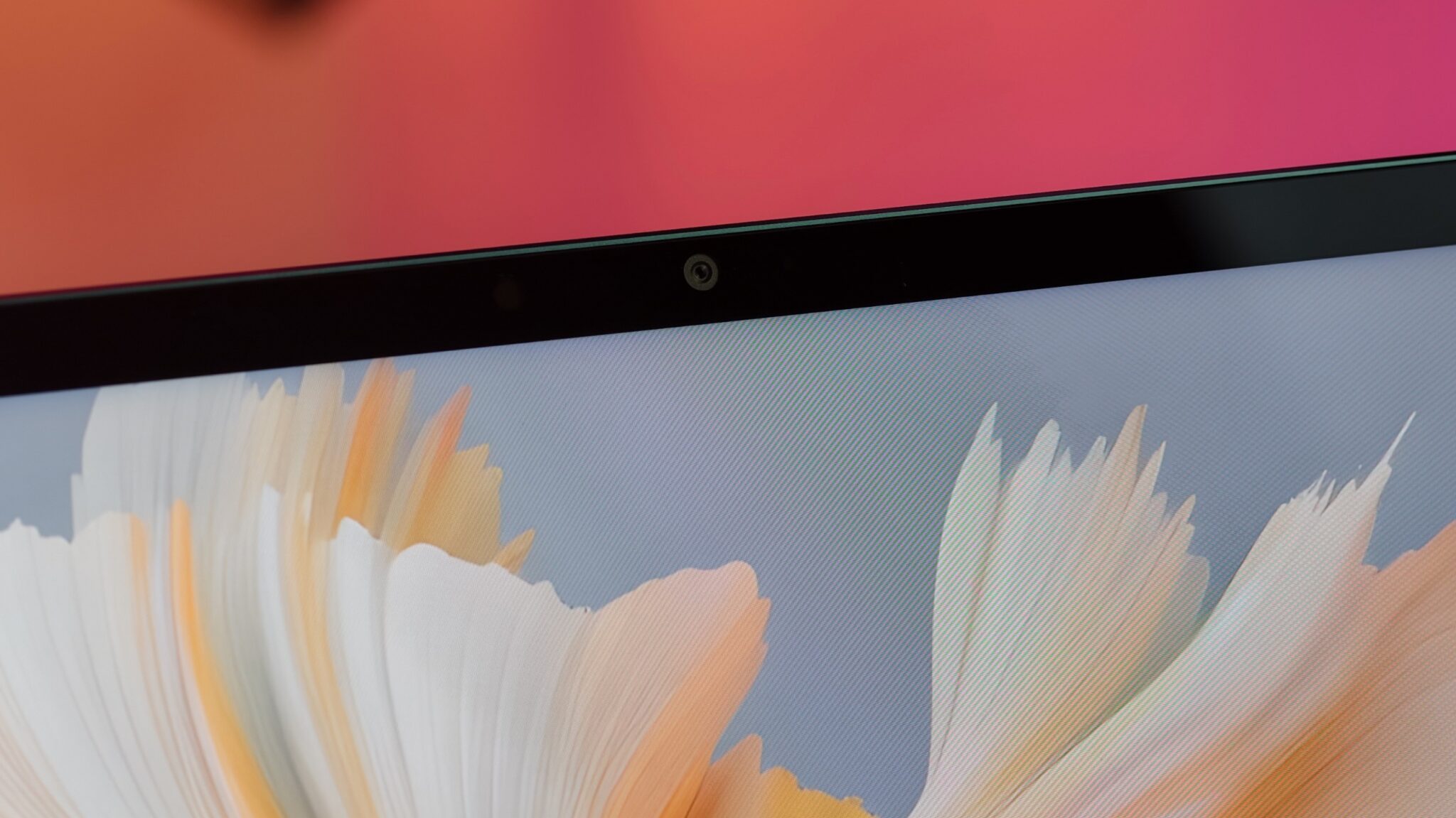
Tablets are not meant for photography, and the Yoga Tab Plus follows this rule. The rear camera takes acceptable document scans, which is its primary use case. The front camera is placed on the longer edge (landscape orientation). This is excellent for video calls. The video quality is sharp, and the microphones pick up voice clearly while canceling out background noise.
Battery and Charging
The 10200 mAh battery is massive. In my testing, I got about 9 to 10 hours of screen-on time with mixed usage involving streaming, typing, and browsing. If you are just watching offline videos, it can last even longer.
The charging speed is decent, but filling up such a large battery takes time. You should expect it to take close to two hours to go from 0% to 100%.
Key Specifications
- Processor: Qualcomm Snapdragon 8 Gen 3
- RAM: 16 GB LPDDR5X
- Storage: 512 GB UFS 4.0 (Expandable)
- Display: 32.26 cms (12.7 inch) 3K LCD, 144 Hz Refresh Rate
- Battery: 10200 mAh
- Audio: 8 JBL Speakers with Dolby Atmos
- Rear Camera: 13 MP
- Front Camera: 8 MP (Landscape)
- OS: Android 14 (with promised updates)
- Connectivity: Wi-Fi 7, Bluetooth 5.4, USB-C 3.2 Gen 1 (DP-Out)
- Weight: ~615g (Tablet only)
- In the Box: Tablet, 2-in-1 Keyboard Pack, Tab Pen Pro, Charger, USB Cable
Verdict

The Lenovo Yoga Tab Plus with the Snapdragon 8 Gen 3 is a surprising device. It offers performance that rivals tablets costing nearly double the price. For ₹54,999, you are not just buying a tablet; you are getting a complete package with the keyboard and stylus included.
This device is perfect for students and professionals who need a portable machine for work and entertainment. The display is fantastic for reading and watching content, and the speakers are best-in-class. While it is heavy and the software has minor quirks, the raw hardware value is undeniable. If you want high-end performance without paying the “Apple tax,” this is the tablet to buy in 2025.
Frequently Asked Questions
Q1: Does the Lenovo Yoga Tab Plus support SIM cards?
A1: No, this specific variant is Wi-Fi only. You will need to use your phone’s hotspot or a Wi-Fi connection for internet access.
Q2: Is the storage expandable?
A2: Yes, the tablet has a MicroSD card slot that allows you to expand storage if the internal 512 GB is not enough for your needs.
Q3: Can I connect this tablet to a monitor?
A3: Yes, the USB-C 3.2 port supports DisplayPort Out (DP-Out). You can connect the tablet to an external monitor or TV using a compatible cable to mirror your screen or use it in desktop mode.
Q4: Is the keyboard backlit?
A4: The included Lenovo 2-in-1 Keyboard Pack does not typically feature backlighting in this bundle, which is a trade-off for the price point.
Q5: Does it support fast charging?
A5: Yes, it supports fast charging, but due to the large 10200 mAh battery capacity, a full charge still takes substantial time compared to a smartphone.
Q6: Is this tablet good for drawing?
A6: Yes, the included Lenovo Tab Pen Pro offers good pressure sensitivity and low latency, making it suitable for digital art and note-taking.


