

OnePlus recently expanded its tablet lineup in India with the launch of the OnePlus Pad Go 2. This tablet succeeds the original Pad Go and brings significant upgrades to the mid-range segment. I have spent a considerable amount of time testing the top-end variant to see if it lives up to the hype. The model I used features 8 GB RAM and 256 GB ROM with 5G support, finished in a sleek Shadow Black colour. Priced at ₹31,999, it sits in a competitive spot where users expect both productivity and entertainment features.
Key Takeaways
- The 12.1-inch 2.8K display is the highlight, offering a sharp resolution and a smooth 120Hz refresh rate.
- A massive 10,050 mAh battery ensures long-lasting performance, easily lasting through a full day of heavy use.
- The MediaTek Dimensity 7300-Ultra chipset provides a decent performance boost over the previous generation.
- 5G connectivity in the Shadow Black variant makes it a versatile device for those who travel frequently.
- OxygenOS 16 brings smart multitasking features like Open Canvas and AI-powered productivity tools.
Design and build quality
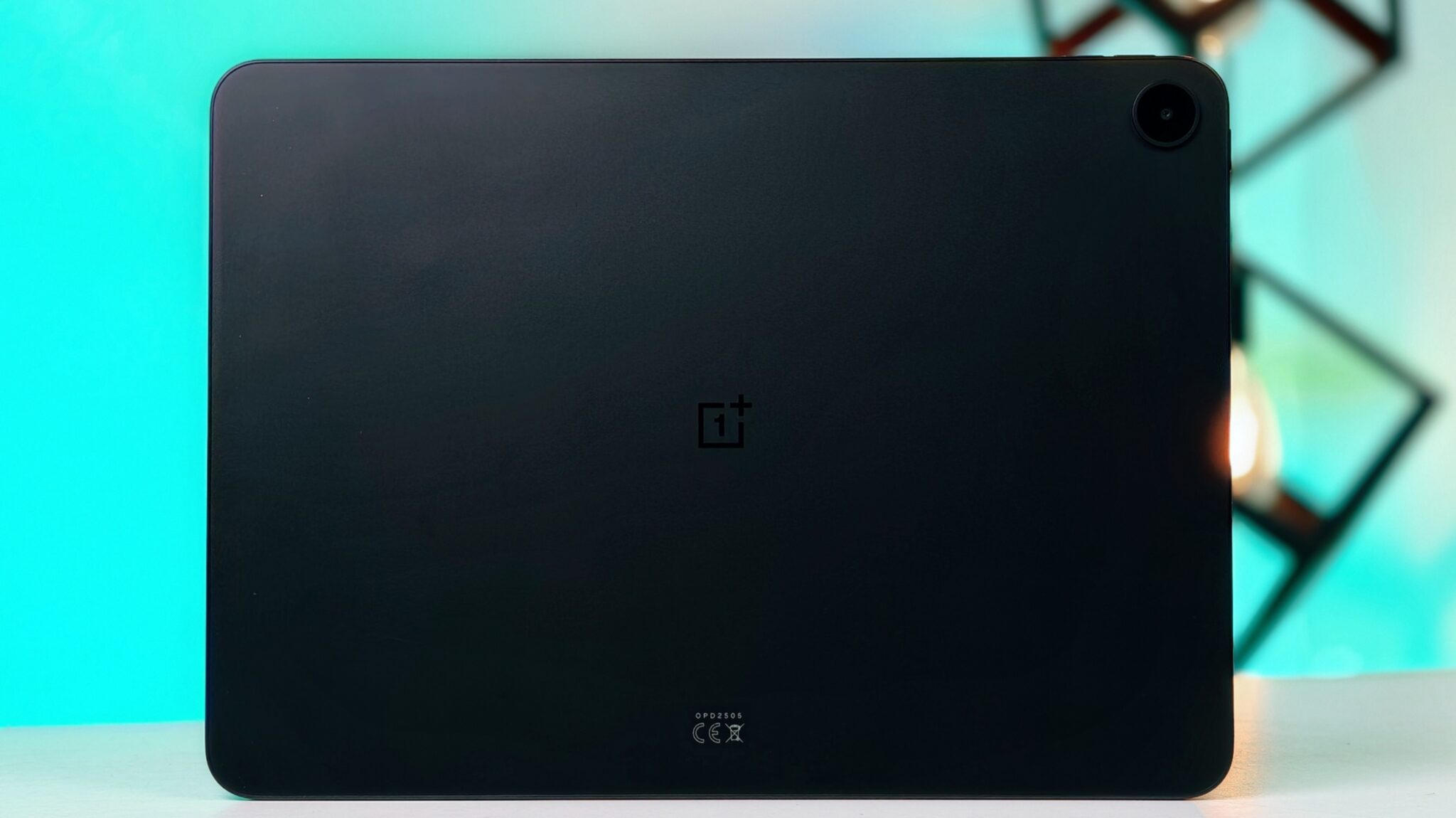
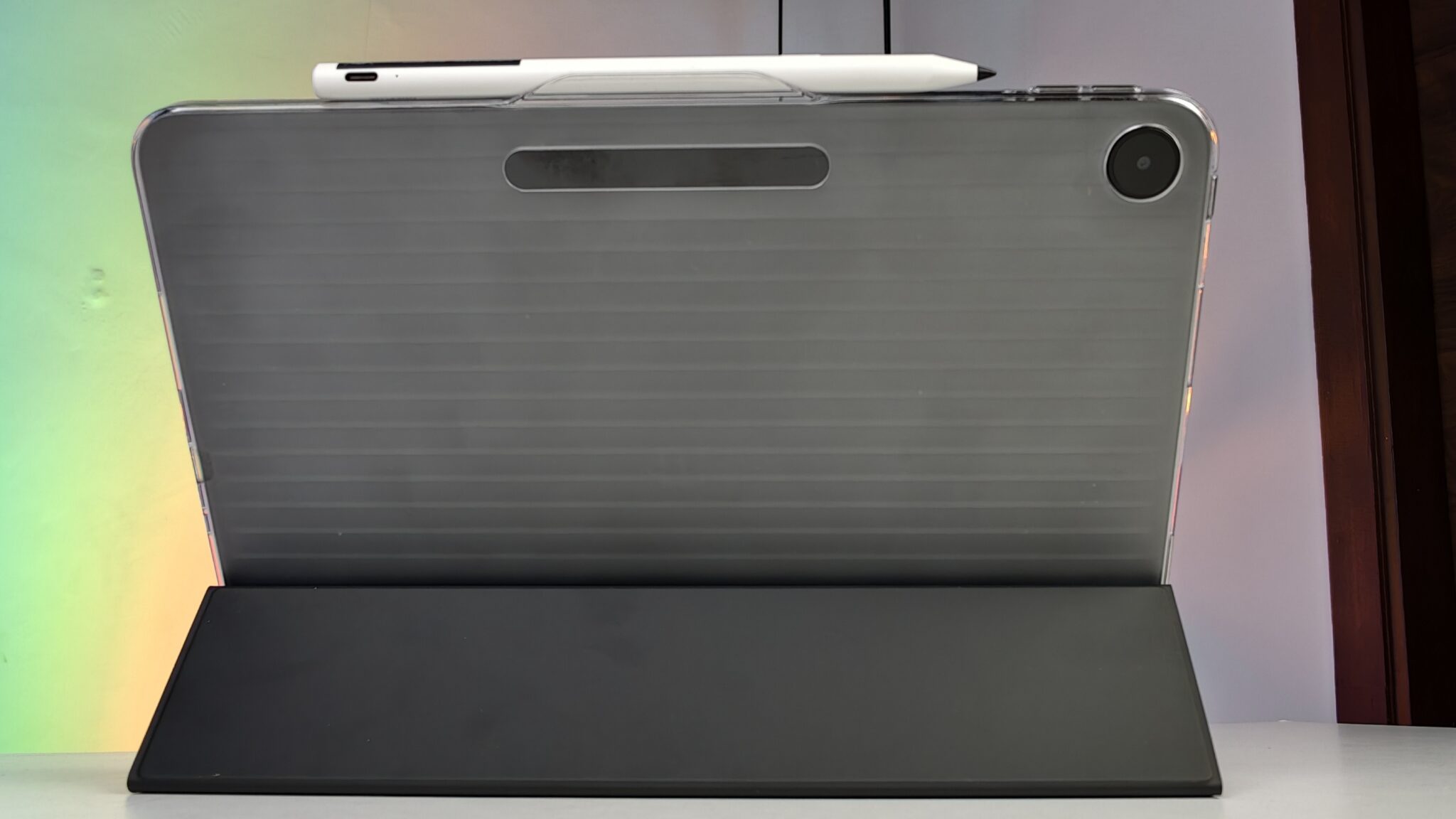
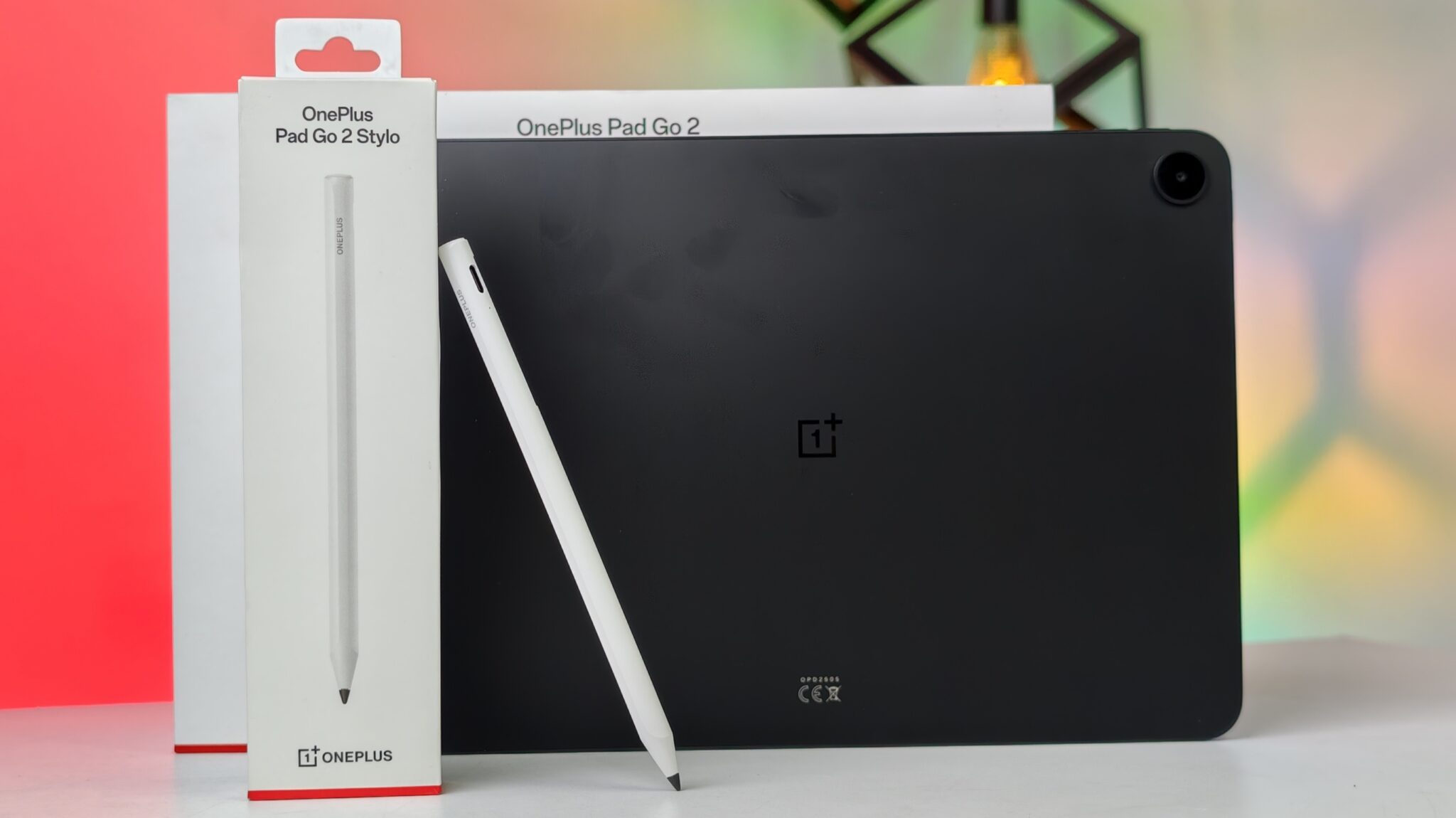
The first thing I noticed when picking up the Shadow Black variant is how solid it feels. The finish is matte and understated. It avoids the flashy dual-tone look of the older model, giving it a more professional appearance. The tablet is quite thin at 6.83mm, but you will feel the weight. At 599 grams for the 5G version, it is heavier than many budget tablets. While it is manageable, holding it with one hand for long reading sessions can get tiring.
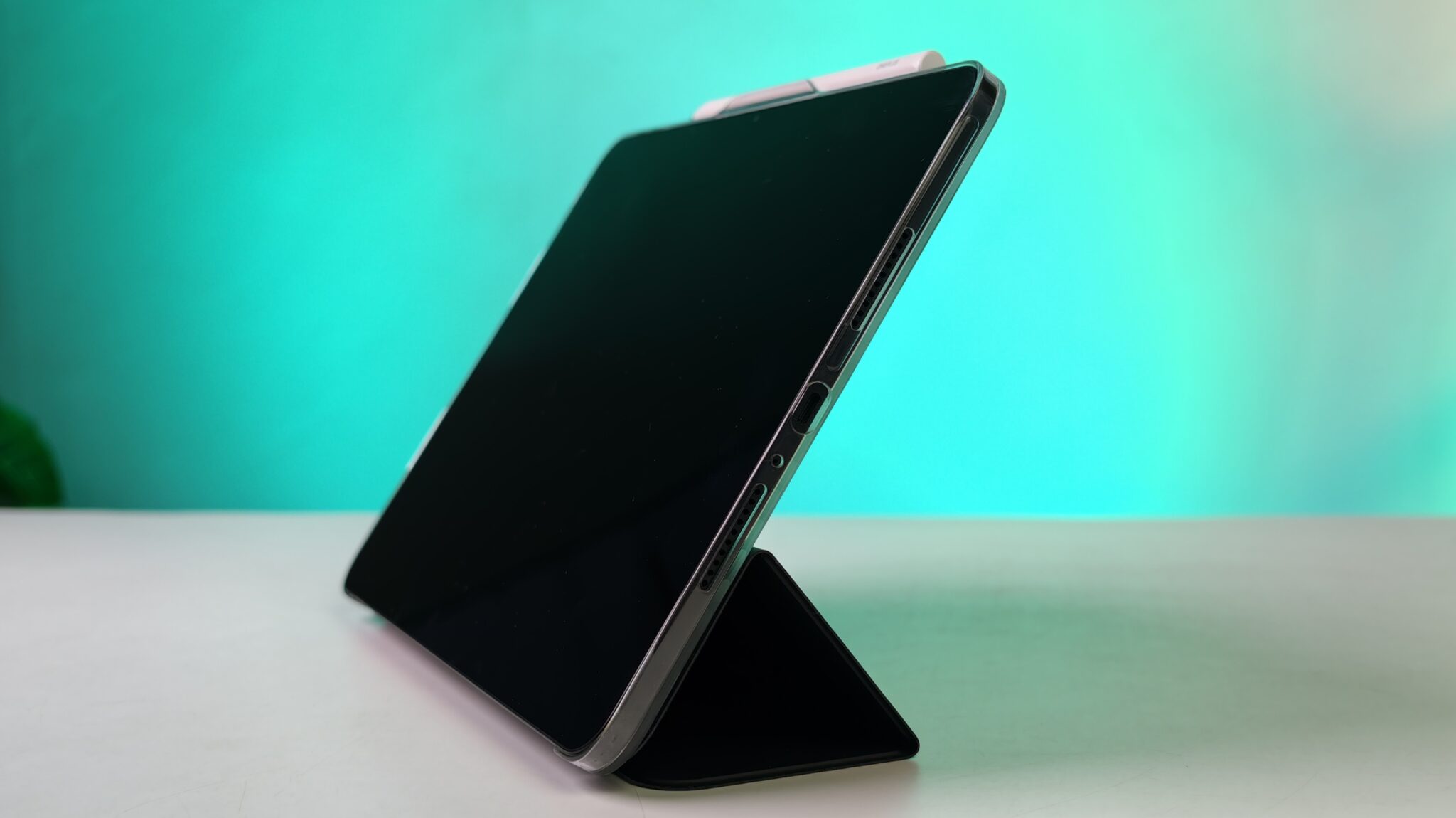
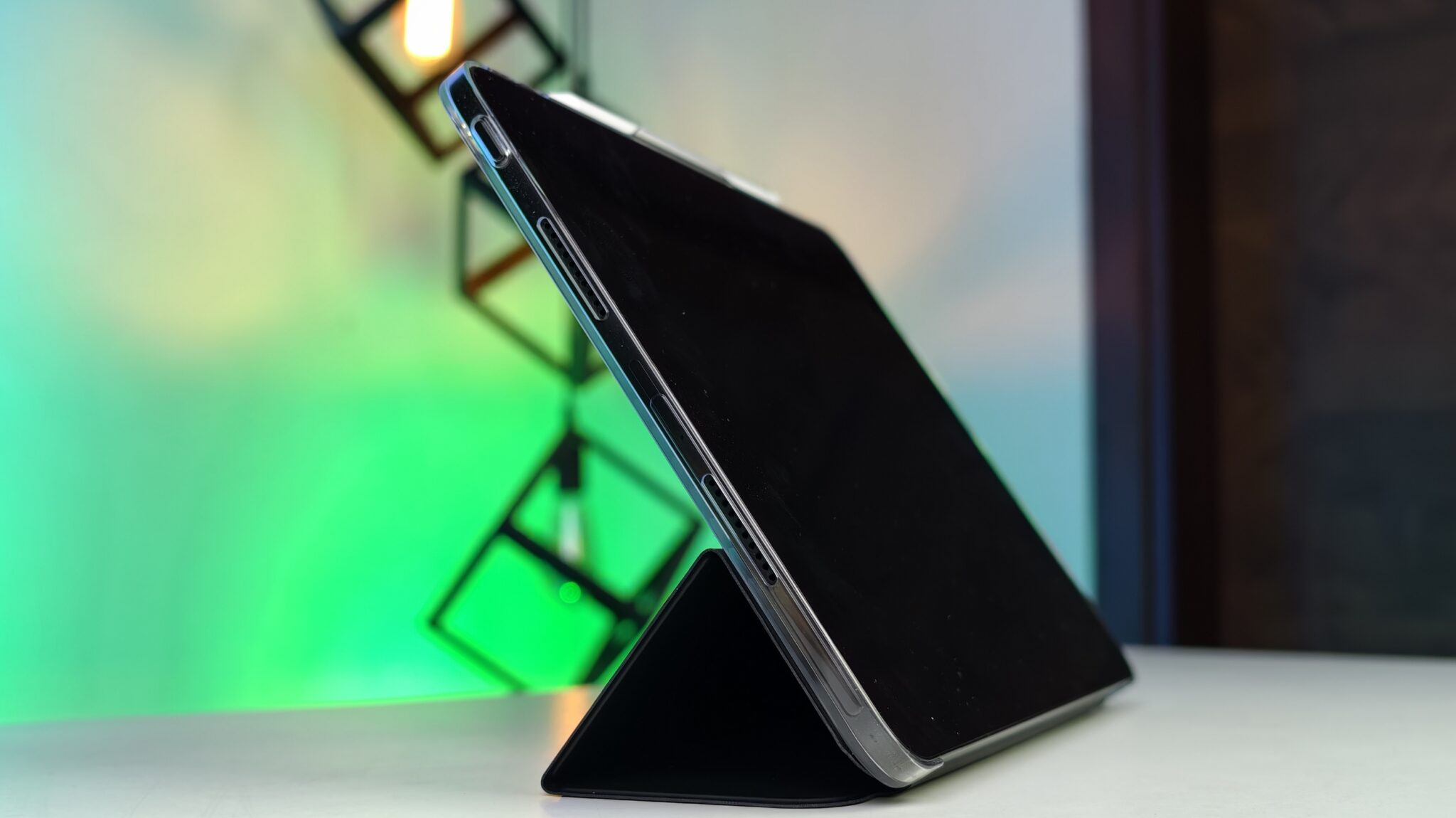
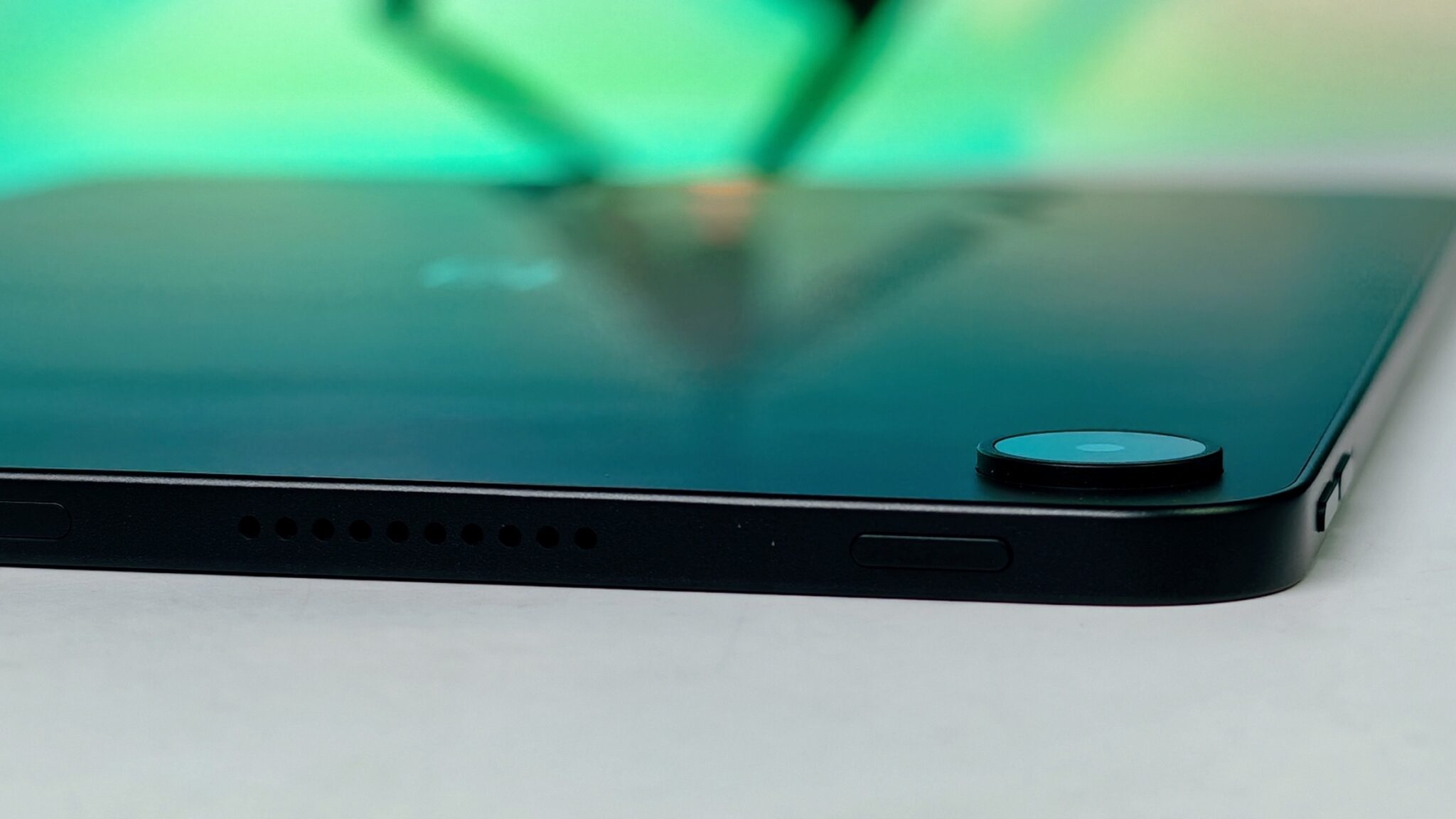
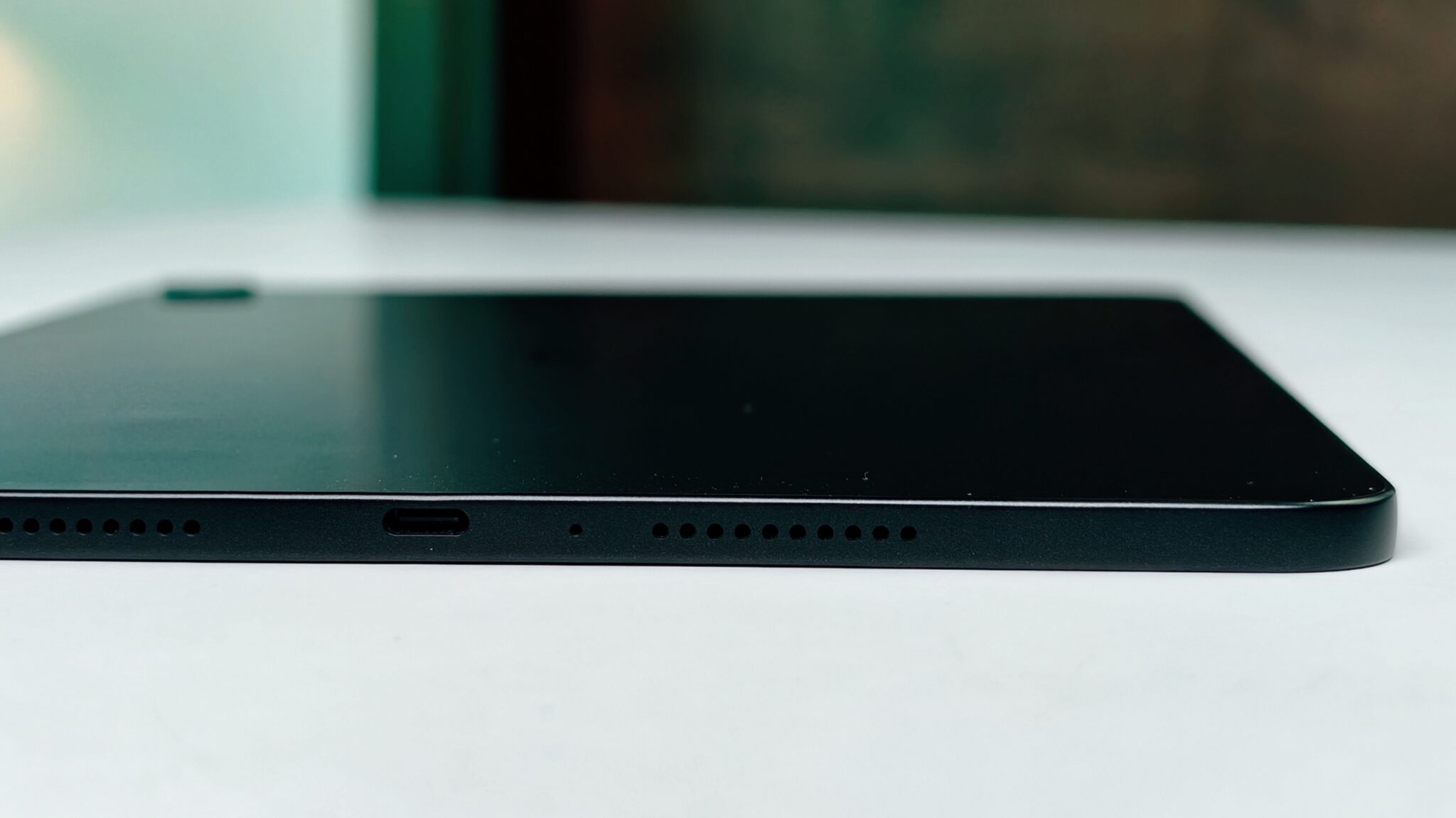
The build is mostly metal, which gives it a premium touch. The camera module has moved to the corner this time, which I find more practical as it does not cause the tablet to wobble as much on a flat desk. One detail I appreciated is the 7:5 aspect ratio. This makes the tablet feel more like a physical book or a notepad rather than a narrow cinema screen. It is excellent for reading news or editing documents.
Display and visual experience

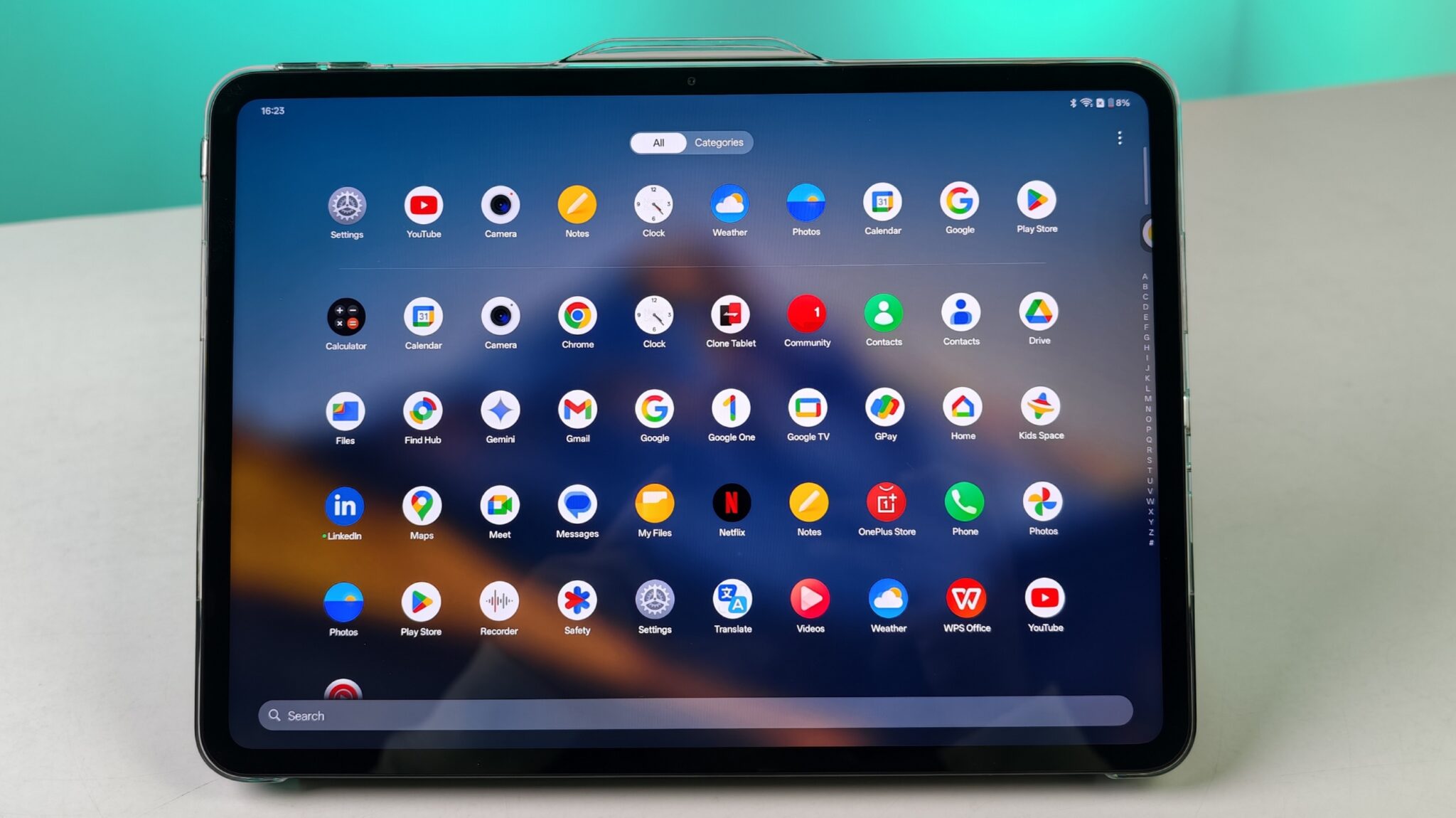
The display is the strongest reason to consider this tablet. OnePlus upgraded the screen size to 12.1 inches from the 11.35 inches on the original Pad Go. The 2.8K resolution makes everything look incredibly sharp. Text in eBooks looks like it is printed on paper, and high-resolution photos show plenty of detail.
I tested the screen in various lighting conditions. In the bright afternoon sun near a window, the 900 nits peak brightness was helpful. It is not as bright as some flagship tablets, but it is much better than most competitors in this price bracket. The 120Hz refresh rate makes the interface feel very fluid. Swiping through the app drawer or scrolling through a long PDF is a stutter-free experience.
Support for Dolby Vision is a nice addition for a mid-range tablet. I watched a few episodes of a high-budget series on a streaming app, and the colours looked rich. Since it is an LCD panel, the blacks are not as deep as an OLED, but the contrast is still quite good for an IPS display.
Performance and hardware

Under the hood, the MediaTek Dimensity 7300-Ultra handles daily tasks with ease. This is a 4nm chip that prioritizes efficiency. In my testing, apps like Chrome, YouTube, and Slack opened quickly. I did not face any major slowdowns while having about a dozen apps running in the background.

The 8 GB LPDDR5X RAM is sufficient for most users. If you are a heavy gamer, you might find the limits of this processor. I played some casual titles, and they ran perfectly. However, for more demanding games at the highest settings, the frame rates were just okay. This tablet is built more for students and office workers than for hardcore mobile gamers.
The 256 GB storage in my unit is plenty for offline videos and documents. If you need more, there is a microSD card slot, which is a feature often missing in more expensive tablets. The inclusion of 5G is a major win. I used a local SIM card, and the speeds were consistent. It is great to be able to work from a cafe or during a commute without hunting for a public Wi-Fi network.
Software and multitasking

The OnePlus Pad Go 2 runs on OxygenOS 16. The software is clean and does not have much bloatware. The standout feature is Open Canvas. This was originally seen on the premium OnePlus Pad 2, and I am glad it is here. It allows you to run three apps at once in a way that feels natural. Instead of cramming them into small boxes, it lets you slide between them easily.

OnePlus has also added some AI features. There is an AI Writer to help with emails and an AI Reflection Eraser in the gallery to clean up photos. These are helpful tools, but they do not change the core experience significantly. If you own a OnePlus phone, the ecosystem features like shared clipboard and screen mirroring work very smoothly. I could copy a link on my phone and paste it directly into the browser on the tablet.
Battery life and charging

The 10,050 mAh battery is massive. During a typical day of browsing, watching a two-hour movie, and attending some video calls, I still had about 40% battery left at night. OnePlus claims 15 hours of video playback, and in my experience, that seems realistic if you keep the brightness at a moderate level.

Charging is handled by 33W SUPERVOOC. It is not the fastest charging in the OnePlus family, taking about 90 to 100 minutes for a full charge. However, given the size of the battery, this is acceptable. One useful feature is reverse wired charging. I was able to use a Type-C to Type-C cable to charge my phone from the tablet when I was in a pinch.
Audio and camera

The quad-speaker setup is impressive. The speakers are placed on the sides when you hold the tablet in landscape mode. The sound is loud and clear with a surprising amount of depth. The Omnibearing Sound Field technology detects which way you are holding the tablet and adjusts the audio channels. This means you always get a proper stereo experience.
The cameras are basic. Both the front and rear have 8 MP sensors. The front camera is placed on the long bezel, which is perfect for video calls. The quality is good enough for Zoom meetings or online classes, but do not expect high-quality selfies. The rear camera is fine for scanning documents or taking quick reference shots, but the images lack detail in low light.
OnePlus Pad Go 2 technical specifications
- Display: 30.73 cm (12.1 inch) 2.8K LCD, 7:5 aspect ratio, 2800 x 1980 pixels.
- Refresh Rate: Adaptive 120Hz (switches between 30/60/90/120Hz).
- Brightness: 600 nits typical, 900 nits High Brightness Mode (HBM).
- Processor: MediaTek Dimensity 7300-Ultra (4nm architecture).
- RAM: 8 GB LPDDR5X.
- Storage: 256 GB UFS 3.1 (expandable via microSD card).
- Battery: 10,050 mAh with 33W SUPERVOOC fast charging.
- Cameras: 8 MP Rear, 8 MP Front (supports 1080p video).
- Audio: Quad speakers with Omnibearing Sound Field and Dolby Atmos.
- Connectivity: 5G, Wi-Fi 6, Bluetooth 5.4, USB Type-C.
- Dimensions: 266.01 x 192.77 x 6.83 mm.
- Weight: 599g (5G variant).
- OS: OxygenOS 16 based on Android 16.
Verdict

The OnePlus Pad Go 2 is a well-rounded tablet that targets the middle of the market very effectively. It does not try to compete with the top-tier iPad Pro or Galaxy Tab S series, but it offers a much better experience than entry-level tablets. The combination of a high-quality display, reliable 5G, and a long-lasting battery makes it a great choice for Indian students and professionals.

If you are looking for a device primarily for media consumption and light work, the 8 GB + 128 GB Wi-Fi variant in Lavender Drift might be a better value. However, if you need a reliable secondary device that stays connected anywhere, the Shadow Black 5G variant at ₹31,999 is worth the extra money. It is a solid, no-nonsense tablet that performs exactly where it needs to.
Frequently Asked Questions (FAQs)
Q1: Does the OnePlus Pad Go 2 support a stylus or pen?
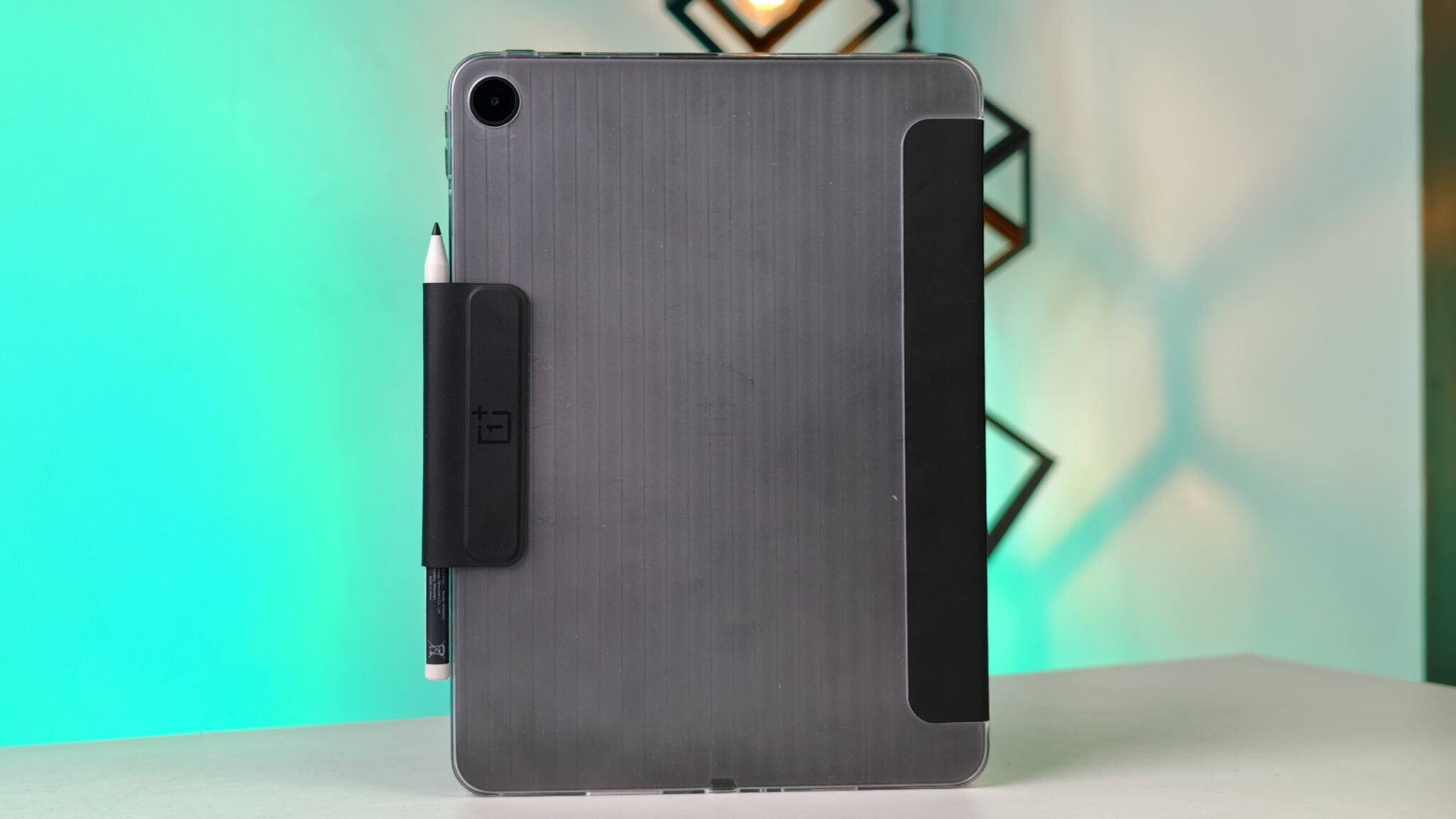
A1: Yes, it supports the OnePlus Pad Go 2 Stylo, which offers 4,096 levels of pressure sensitivity. This makes it suitable for sketching and taking notes. However, the Stylo is usually sold separately.
Q2: Can I expand the storage on the OnePlus Pad Go 2?
A2: Yes, there is a dedicated microSD card slot that allows you to expand the storage by up to 1 TB. This is available on both the Wi-Fi and 5G models.
Q3: Is the Shadow Black variant the only one with 5G?
A3: Based on the current launch details, the 5G connectivity is exclusive to the Shadow Black variant with 256 GB of storage. The Lavender Drift variant is currently available in a Wi-Fi only configuration.
Q4: Does it come with a charger in the box?
A4: Yes, OnePlus includes a 33W SUPERVOOC power adapter and a Type-C cable in the box for the Indian market.
Q5: Can I use this tablet for heavy gaming like Genshin Impact?
A5: The Dimensity 7300-Ultra can run heavy games, but you will likely need to play at medium or low settings to maintain a smooth frame rate. It is not a dedicated gaming tablet.
Q6: Does it have a 3.5mm headphone jack?
A6: No, the OnePlus Pad Go 2 does not have a 3.5mm headphone jack. You will need to use USB Type-C headphones or Bluetooth earphones.